


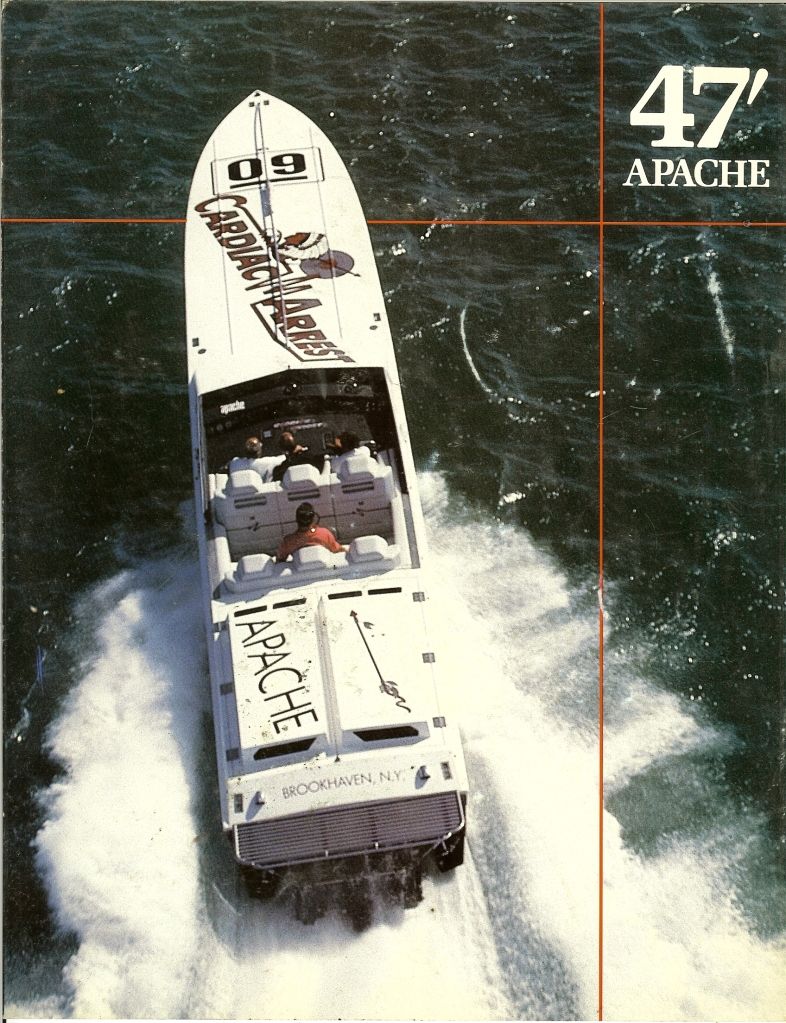
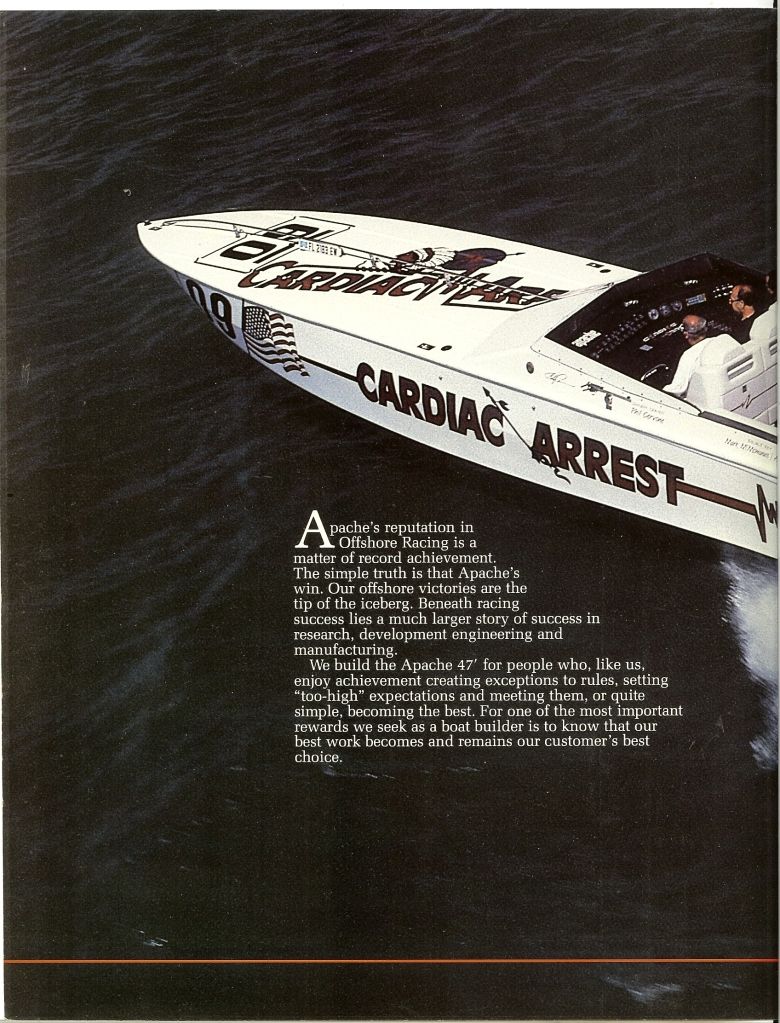
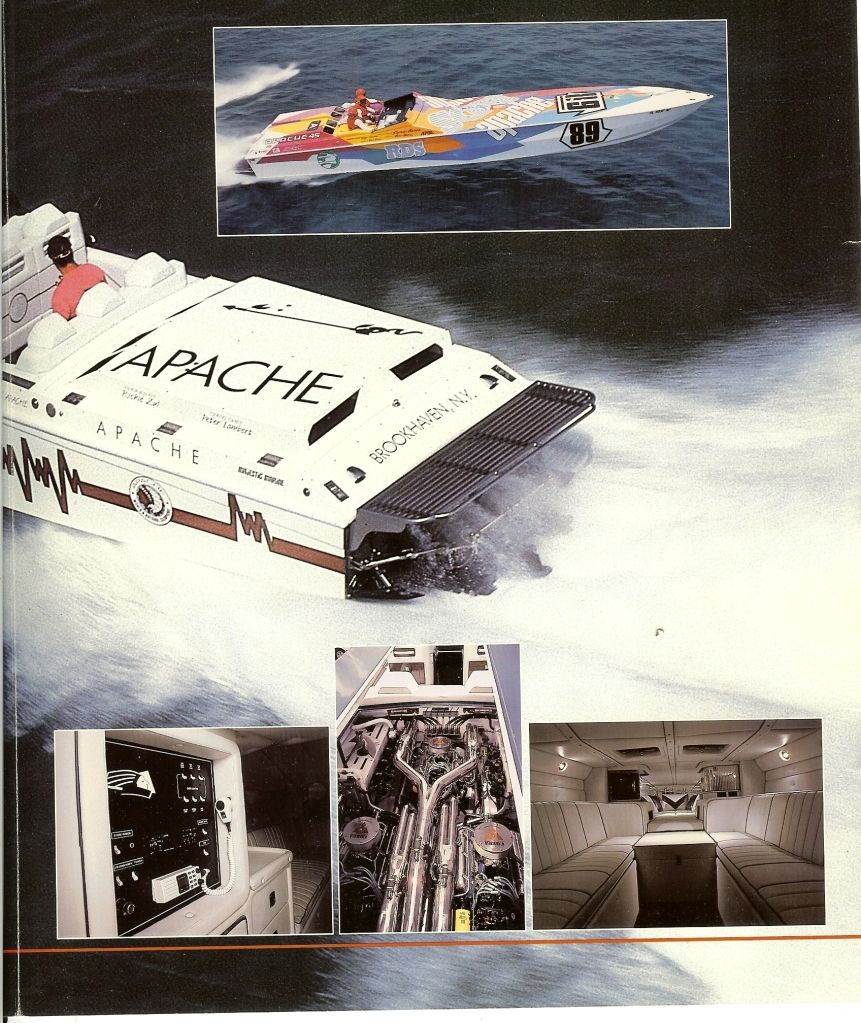
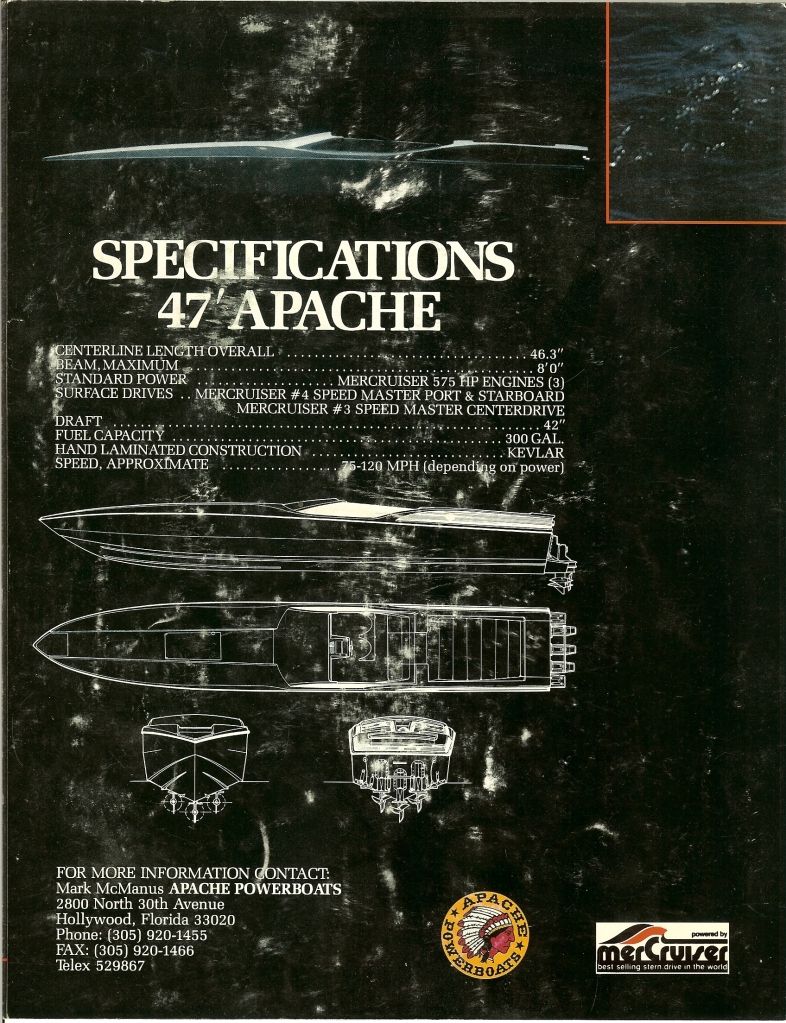
47 Brochure


 12-30-2012 | 09:14 PM
#5

Registered
Joined: Sep 2003
Posts: 9,214
Likes: 5
01-05-2013 | 03:46 PM
#8

Registered
Joined: Oct 2003
Posts: 269
Likes: 0
From: Lees Summit/Gravois Mills Mo.
 Attach a pic
01-06-2013 | 12:14 AM
Attach a pic
01-06-2013 | 12:14 AM
#9
Thread Starter
Registered

Joined: Oct 2009
Posts: 406
Likes: 1
From: South Jersey

Open a free photobucket account. Then go to upload. Click and a window will open for your computer files. Find the pic you want to upload. Double click and it will transfer to photobucket. Go to album on photobucket. Put cursor over picture. Menu will drop down below pic. Go down to last item on bottom of menu (img location) double click and it should say copied. Paste link into your post and when you post the pic should appear.
01-06-2013 | 03:00 PM
#10
Registered
Joined: Oct 2003
Posts: 269
Likes: 0
From: Lees Summit/Gravois Mills Mo.

