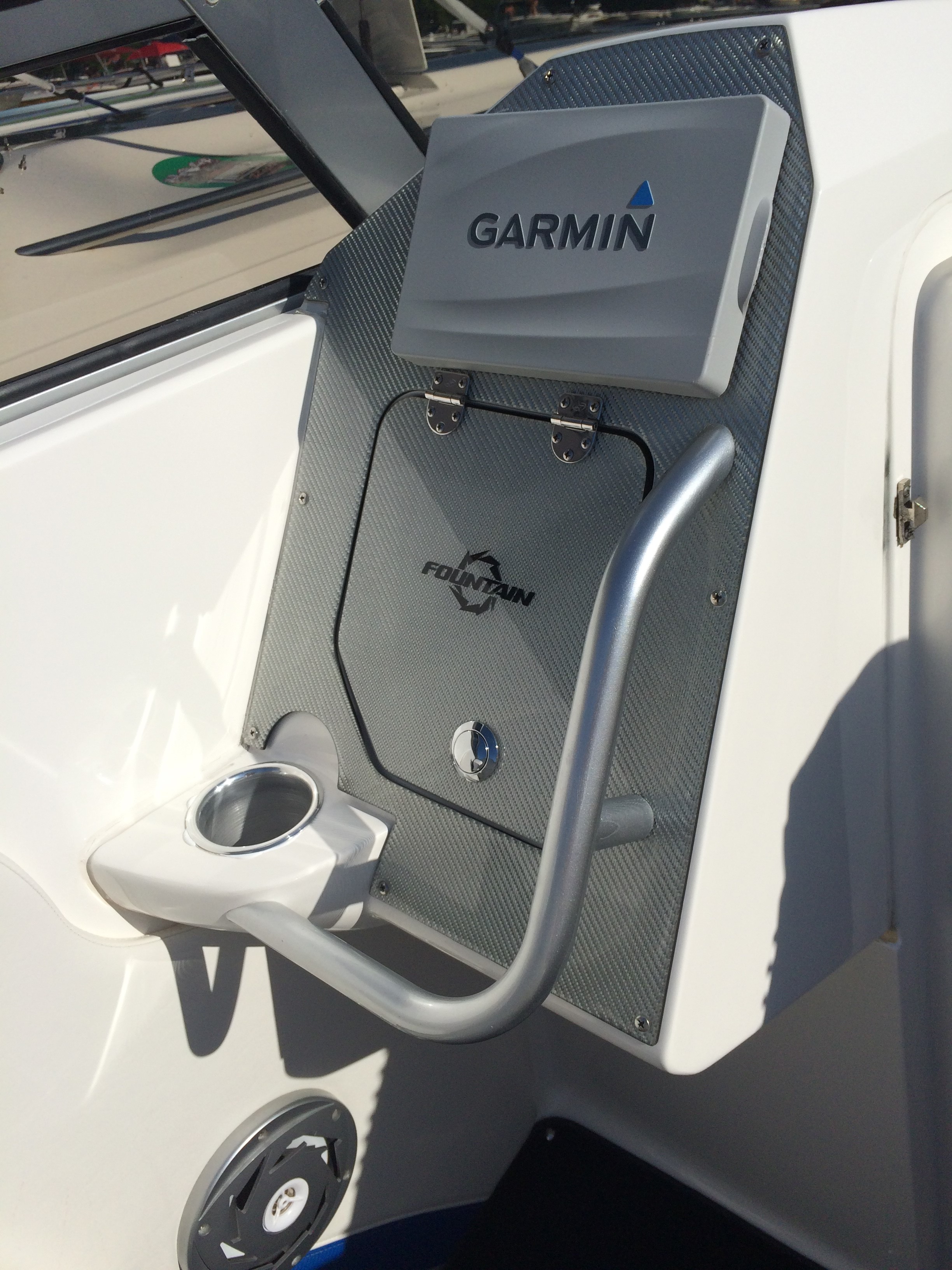
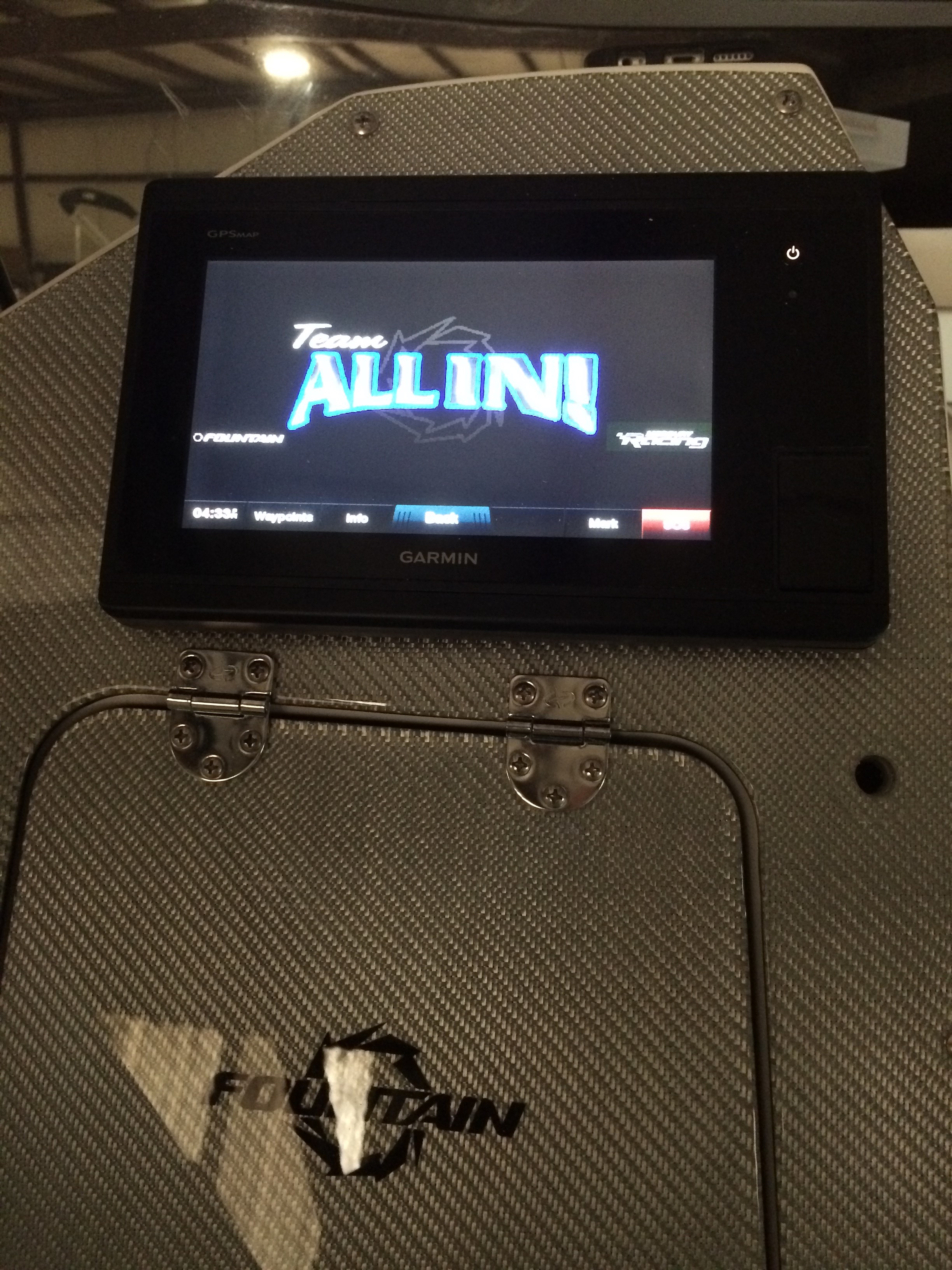
Garmin 7608 to control stereo
 07-06-2017 | 08:05 PM
#1
Thread Starter
Registered

Joined: Nov 2003
Posts: 2,503
Likes: 149
From: Cape Coral, FL
 Garmin 7608 to control stereo
Hello-
I just purchased a boat with a 7608 Garmin and would like to control my stereo with this unit. What do I need purchase to make this happen?
Thanks
Don
I just purchased a boat with a 7608 Garmin and would like to control my stereo with this unit. What do I need purchase to make this happen?
Thanks
Don
 07-07-2017 | 12:03 AM
#2
Registered

Joined: Aug 2006
Posts: 32
Likes: 0
From: Minneapolis, MN
All you need is a Fusion head unit that is NMEA-2000 compatible. A lot of us use the Fusion MS-UD750. You then run a NMEA-2000 cable from the 7608 to the Fusion head unit and when you turn the 7608 on, it will find the head unit. Pretty simple.
I could be wrong, but I don't believe that there are any other brands of head units that are compatible, nor are there any adapters that would make another brand compatible.
I could be wrong, but I don't believe that there are any other brands of head units that are compatible, nor are there any adapters that would make another brand compatible.
07-07-2017 | 07:34 AM
#3
Registered

Joined: Jun 2011
Posts: 2,169
Likes: 82
From: Henderson, KY
I installed Garmin 7607 and Fusion RA70N with the NRX200 remote You'll need a powered backbone and related NMEA2000 cables and T's. I didn't fully understand the backbone necessity, so had to order after I discovered that there was no connectivity.
I also would probably not buy the NMEA backbone and cables from Garmin (if I had to do it all over again). They are high compared to Amazon, etc. But at the time, I knew nothing about NMEA 2000.
Works good - but we actually don't use the onscreen controls very often. But it is a "cool" factor. I'm trying to figure out the best way to play video to the 7607 (it won't from SD card, only images/jpegs) - probably should have gotten a Fusion with more features, but again, didn't realize it until I had the equipment.
I also would probably not buy the NMEA backbone and cables from Garmin (if I had to do it all over again). They are high compared to Amazon, etc. But at the time, I knew nothing about NMEA 2000.
Works good - but we actually don't use the onscreen controls very often. But it is a "cool" factor. I'm trying to figure out the best way to play video to the 7607 (it won't from SD card, only images/jpegs) - probably should have gotten a Fusion with more features, but again, didn't realize it until I had the equipment.
07-07-2017 | 02:14 PM
#5
VIP Member

Joined: Jul 2011
Posts: 1,992
Likes: 48
From: Cleveland Ohio
I installed Garmin 7607 and Fusion RA70N with the NRX200 remote You'll need a powered backbone and related NMEA2000 cables and T's. I didn't fully understand the backbone necessity, so had to order after I discovered that there was no connectivity.
I also would probably not buy the NMEA backbone and cables from Garmin (if I had to do it all over again). They are high compared to Amazon, etc. But at the time, I knew nothing about NMEA 2000.
Works good - but we actually don't use the onscreen controls very often. But it is a "cool" factor. I'm trying to figure out the best way to play video to the 7607 (it won't from SD card, only images/jpegs) - probably should have gotten a Fusion with more features, but again, didn't realize it until I had the equipment.
I also would probably not buy the NMEA backbone and cables from Garmin (if I had to do it all over again). They are high compared to Amazon, etc. But at the time, I knew nothing about NMEA 2000.
Works good - but we actually don't use the onscreen controls very often. But it is a "cool" factor. I'm trying to figure out the best way to play video to the 7607 (it won't from SD card, only images/jpegs) - probably should have gotten a Fusion with more features, but again, didn't realize it until I had the equipment.
07-07-2017 | 03:06 PM
#7
Registered
Joined: Jun 2011
Posts: 2,169
Likes: 82
From: Henderson, KY
I haven't gotten into Smartcraft yet. I looked up underneath my dash when I was doing all this work and couldn't see the J-Boxes - so I $hitcanned the idea of displaying Smartcraft on the Garmin (my Garmin is on passenger side).
[tried to insert a pic here, but it's not working]
However, I was in the head the other day and noticed that there is a fresh air door on the back wall - open that up and there is the backside of the dash / gauge cluster. So I might be able to find the J-Box now. Once I find that, it's just a matter of getting the Gateway and plugging in some cables.
[tried to insert a pic here, but it's not working]
However, I was in the head the other day and noticed that there is a fresh air door on the back wall - open that up and there is the backside of the dash / gauge cluster. So I might be able to find the J-Box now. Once I find that, it's just a matter of getting the Gateway and plugging in some cables.